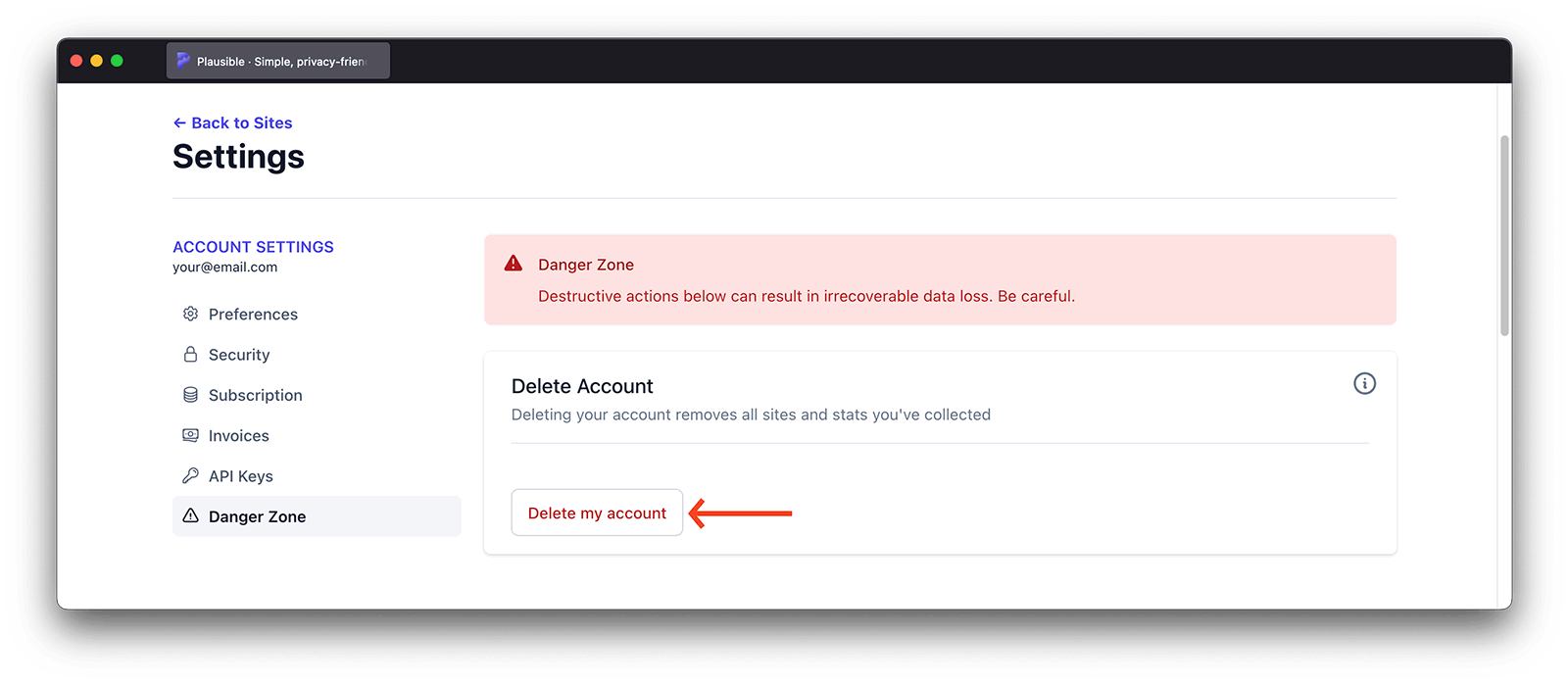
Delete your account
Log in to your Plausible Analytics account and in the top right menu, click on your account name and choose Account Settings to enter your account settings.
To delete your Plausible Analytics account, go to the Danger zone section, find Delete Account and click on the big red Delete Account button. Deleting your account removes all the sites and stats you've collected.
You might instead see a message like the one shown in the screenshot below if you are the sole owner of a team. In such a case, you will need to either add another owner to your team or delete the team altogether.